Custom Bamboo Speaker Clock: Approving Logo Artwork and Packaging Before Production
Approve the logo, product surface, box artwork and completed pack as one controlled speaker-clock configuration before production.
Start With the Finished Shelf Impression
A custom bamboo speaker clock is judged as one object, not as separate electronics, logo and box projects. The bamboo grain, LED display, speaker opening, controls and branding all compete for attention. A logo that looks balanced on a blank drawing may feel oversized once it sits beside the display or grille. A box that looks premium in a PDF may fail when the cable, manual and product are packed together.
Begin with the channel. A hotel project may prefer discreet identification and simple room instructions. A corporate gift buyer may need a visible logo and presentation box. A private-label retailer usually needs the product, retail box, barcode area and listing images to tell one consistent story. This channel decision should be written before artwork starts.
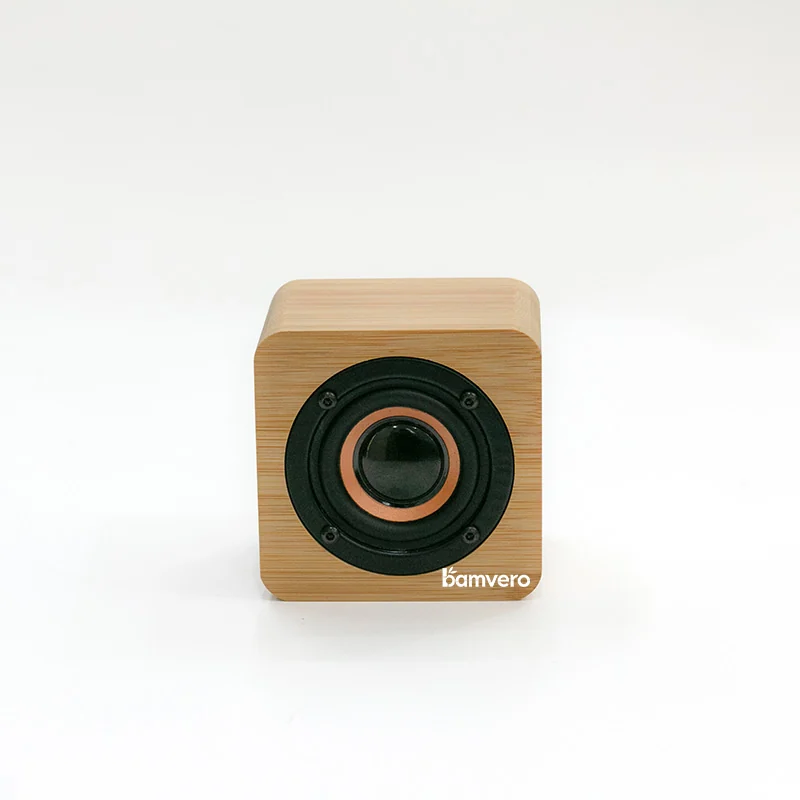
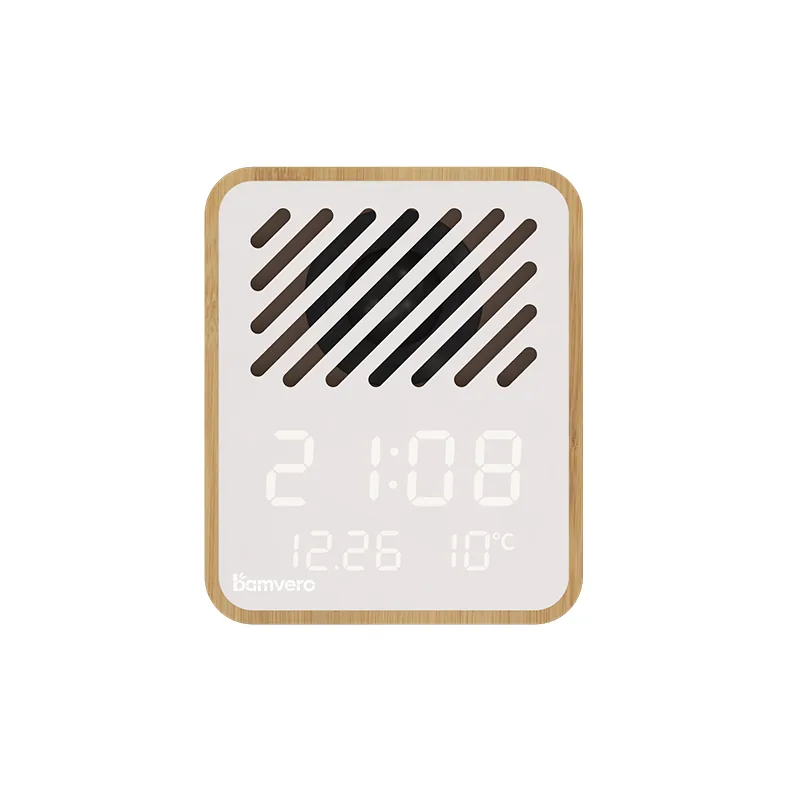
The Y130-1 bamboo Bluetooth speaker alarm clock shows why the product face must be treated as a complete composition: the diagonal speaker grille, LED information and bamboo surface leave specific areas where a mark can sit without making the front look crowded.
Choose a Logo Method That Fits the Bamboo Surface
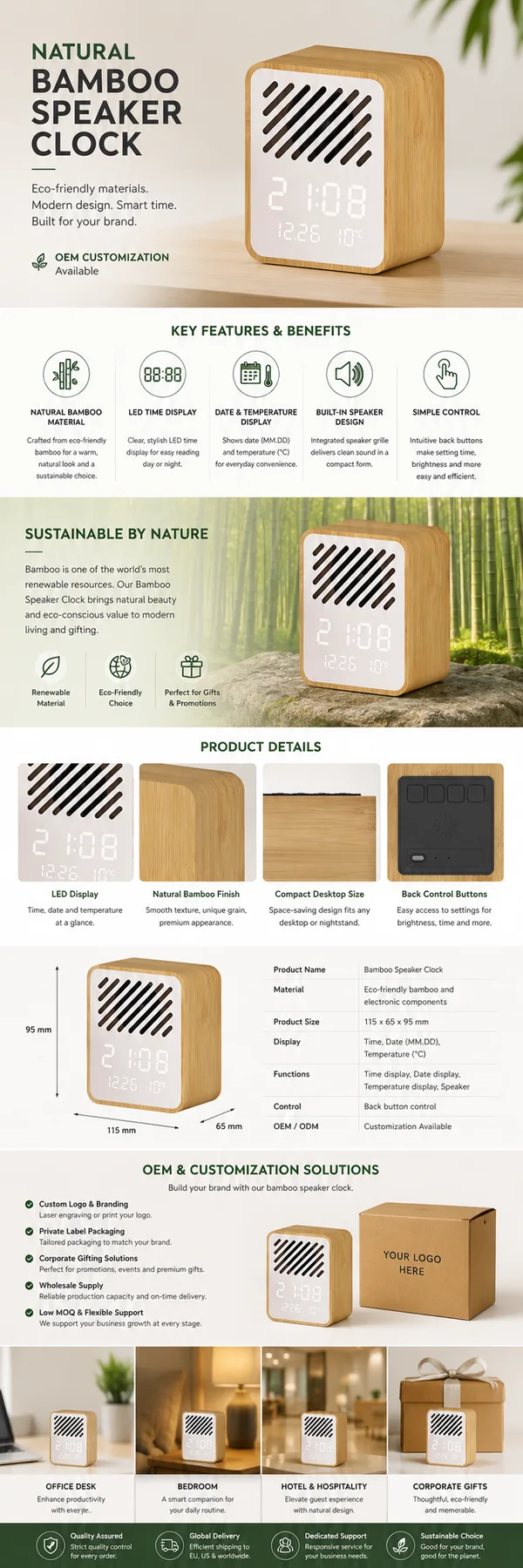
Laser engraving can produce a restrained mark that follows the material character, while printing can support color when the approved surface and process allow it. Neither method should be selected from a catalog description alone. The result depends on the real bamboo tone, grain, coating, logo size and contrast.
Ask for a physical logo sample on the actual product surface. Review it under normal office or retail lighting and from the distance at which a buyer or guest will see the product. Check whether thin lines close up, small text remains readable and the mark changes across light and dark grain.
Do not use the best-looking single unit as the only approval reference. Approve an acceptable appearance range, then separately reject workmanship problems such as blurred edges, double images, scratches, burns outside the artwork or marks that are visibly off position.
Build a 1:1 Artwork Sheet
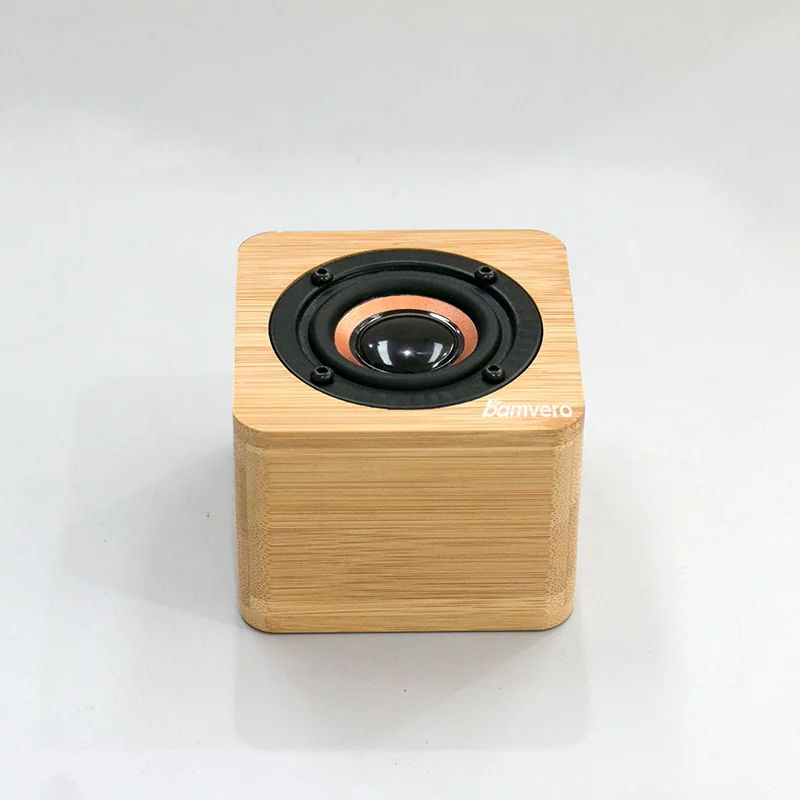
The factory needs more than a logo file. Prepare a controlled artwork sheet for each marked surface and packaging panel. The artwork sheet should identify the product model and revision so it cannot be reused accidentally on a different housing.
| Artwork item | What the approval file should show | What to verify on the sample |
|---|---|---|
| Logo file | Vector artwork, approved version and clear space | Shape, line weight and legibility |
| Product placement | Measurements from fixed product edges | Position relative to display, grille and controls |
| Size | Width and height in millimeters | Visual balance on the real bamboo area |
| Color or engraving | Named color reference or approved engraving result | Contrast and variation on representative bamboo |
| Orientation | Front, rear, top or side view | Correct reading direction during normal use |
| Packaging | Every printed panel at final size | Copy, images, barcode zone and required marks |
Version the file rather than overwriting it. A simple name such as Y130-logo-box-R03-approved.pdf is easier to trace than final-new-logo.pdf. Put the approval date and approver on the file or approval record.
Keep Branding Away From Functional Areas
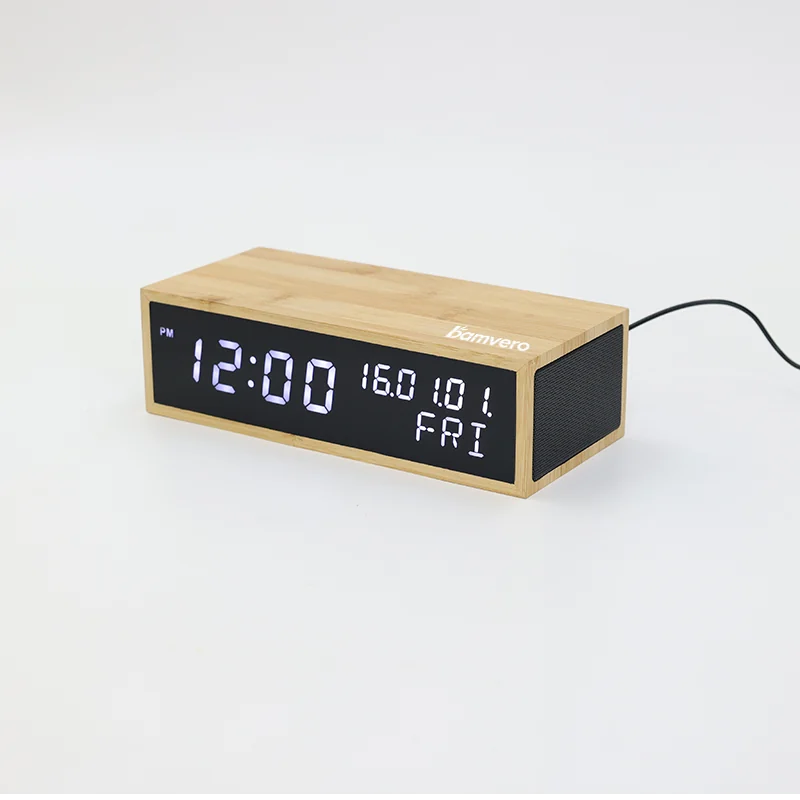
Speaker clocks have more functional surfaces than a simple promotional gift. A mark must not cover the display, speaker openings, microphone openings if present, control labels, charging position, ventilation, required product label or regulatory information.
Use the physical sample to check touch and visibility. Rotate the product as a user would, connect its power cable and operate the controls. If a logo is placed on the top, confirm that it remains visible in the intended setting and does not compete with button labels. If it is placed on the front, confirm that the LED display remains easy to read when illuminated.
Multi-function formats need extra care. The Y101 wireless charging speaker clock combines a time display, speaker and charging function, so the artwork review must include the charging zone and device placement rather than evaluating an empty top surface.
Treat Packaging as Part of the Supplied Product
Packaging approval should use the actual product, cable, instructions and any included power accessory. Start with protection: the product should not move freely, accessories should not rub against the bamboo surface and the display or controls should not carry the load inside the pack.
Then review communication. The front should identify the product clearly without promising unverified functions. The side or rear panels should match the exact model, included accessories and destination-language requirements. Confirm where the barcode, importer information and required marks will go before the design is locked.
If the box uses a product image, photograph the approved model and branding. Do not reuse a similar speaker clock image if its grille, buttons, display or finish differs. The product in the box, the image on the box and the online listing should describe the same configuration.
Approve Three Stages, Not One Mock-up
Use three separate approvals because each catches a different type of error.
- Digital artwork approval: confirms wording, dimensions, placement, image selection and file revision.
- Branded product sample: confirms the logo result on representative bamboo and its relationship to the display, grille and controls.
- Final packed sample: confirms the finished product, accessories, manual, labels, inserts and carton presentation together.
A photo can support the record, but it should not replace a physical sample when color, engraving depth, fit or surface protection matters. Record any approved deviation in writing and update the revision before production.
Separate Branding Approval From Electronics Approval
A perfect logo and box do not approve the speaker clock electronics. Pairing, audio behavior, alarm controls, display, power, battery configuration where applicable and required destination-market documents still need their own checks. If Bluetooth branding or qualification claims are used, confirm the exact supplied product and brand route against Bluetooth SIG qualification guidance.
Keep these records linked by one model and revision number. That makes it possible to tell whether the packed production unit still matches both the visual approval and the functional approval.
Send the Factory One Controlled Handoff Pack
Before production, send one approved package containing:
- model name, product revision and destination market;
- vector logo file and 1:1 placement drawing;
- approved logo method, size, position and appearance reference;
- final box artwork, manual and label files;
- barcode and importer-information ownership;
- approved branded product photos;
- signed or dated packed-sample approval;
- a rule that changes require written review before use.
This handoff pack gives purchasing, the factory and inspection team the same reference. It also makes a repeat order easier because the buyer can identify exactly which visual and packaging revision should be reproduced.
What to Include in Your First Request
Send the target speaker-clock format, sales channel, destination country, quantity range, logo file, preferred branding method, packaging type and required languages. Bamvero can then identify suitable model surfaces, sample stages and the files that must be confirmed before a production quotation is finalized.
Build the specification before comparing the final price.
Align the target channel, product functions, destination market, branding and packaging route before approving a sample or bulk quotation.